
Running a growing business often feels like juggling glass. You have a spreadsheet for inventory, a separate app for invoicing, and a bank portal to check your cash flow. When your tools don’t talk to each other, you waste hours on manual entry—and worse, you risk costly errors like overselling stock or losing track of unpaid bills.
Modern businesses require a unified approach. By bringing stock management, customer invoicing, and financial reporting under one roof, you gain total visibility over your company’s financial health. Here is how a fully integrated system like e-manager transforms your daily operations.
1. Automated Stock Control (That Actually Works)
The biggest disconnect in small business operations is the gap between sales and inventory. When a customer makes a purchase, your stock levels should update instantly.
With an integrated system, every commercial action is tied to your inventory module.
- Create an Invoice: When you bill a customer, the system automatically registers the sale, generates an inventory entry, and decreases your item quantity. You can immediately email or print the receipt for the customer.
- Create a Vendor Bill: When you purchase new stock, creating the vendor bill automatically increases your inventory quantities.
You can set strict stock limits, track expiration dates, and monitor active statuses for every product without ever opening a separate inventory app.
2. Real-Time Cash Flow & Account Tracking
Managing multiple cash and bank accounts manually is a recipe for unbalanced books. A unified accounting platform ensures that every invoice payment and vendor bill directly impacts your bottom line in real-time.
- Instant Balance Updates: Adding an income record instantly increases the specified bank or cash account balance. Logging an expense decreases it.
- Multi-Currency Support: If you operate globally, you can seamlessly add and manage multiple currencies, ensuring foreign transactions are accurately reflected in your total balance.
- Payment Linking: Payments applied to customer invoices are automatically categorized as income, while payments applied to vendor bills register as expenses.
3. Actionable Insights from a Live Dashboard
Data is only useful if you can understand it at a glance. Instead of waiting for an end-of-month reconciliation, your dashboard should provide a live pulse on your business.
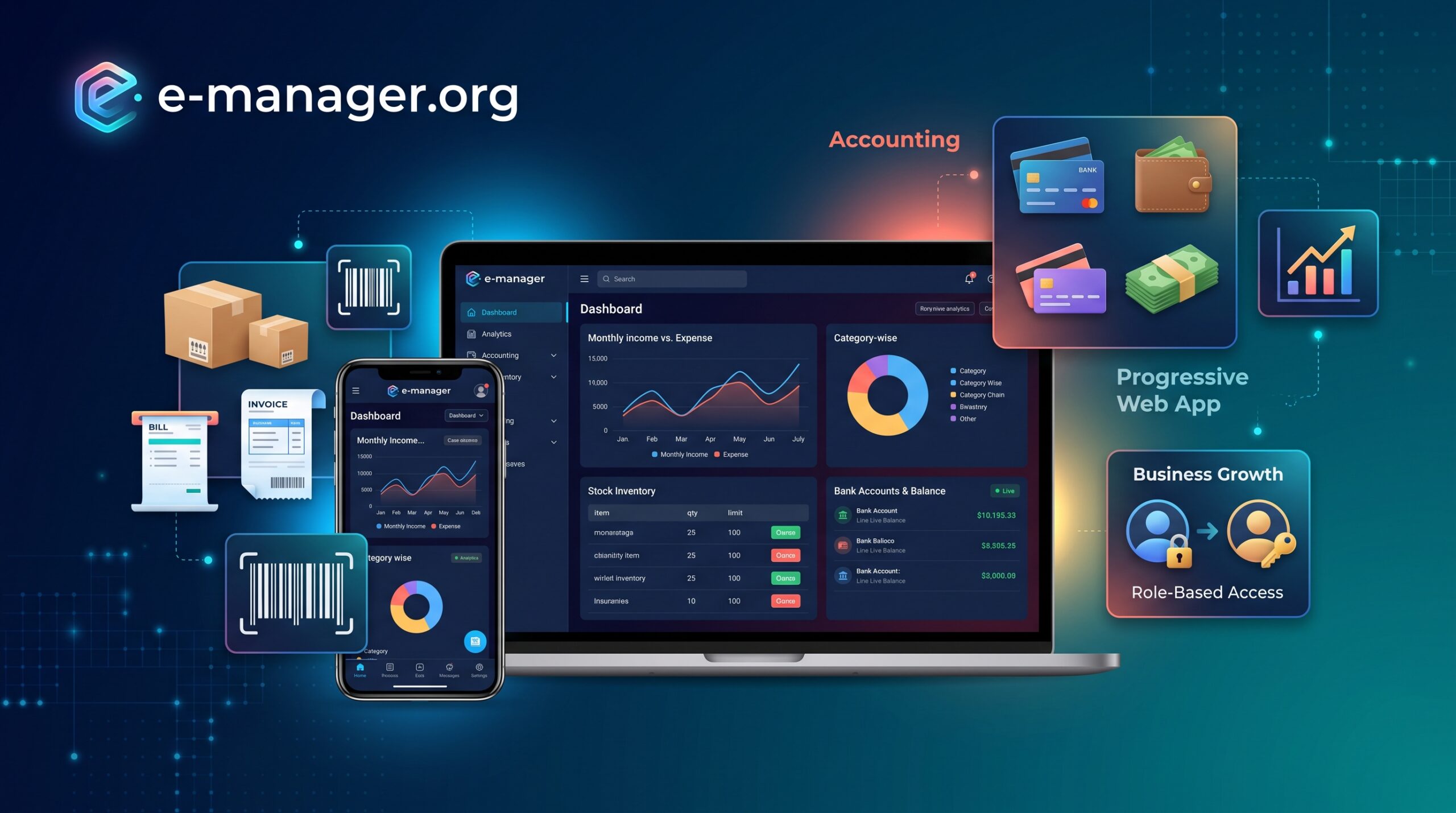
e-manager centralizes your financial data into visual, easy-to-read reports:
- The Master Dashboard: Instantly view your total income, total expense, net profit, and current balance.
- Visual Analytics: Category-wise pie charts and month-by-month income/expense graphs highlight spending trends.
- Granular Reporting: Dive deeper with daily breakdowns, monthly profit reports by category, and quick tables showing your 5 most recent incomes, expenses, and active accounts.
4. Scalable Operations with Role-Based Access
As your business grows, you cannot manage every invoice and expense yourself. However, handing over the keys to your financials requires security.
With Role-Based Access Control (RBAC), you can invite team members and assign them specific permissions. Let your warehouse manager update stock and vendors, while your accountant handles bank accounts and profit reports. You maintain full administrative visibility while empowering your team to manage their specific modules.
Take Control of Your Finances Anywhere
Because e-manager is built as a Progressive Web App (PWA), you don’t need to download heavy desktop software or struggle with mobile-unfriendly sites. Whether you are checking inventory on a tablet in the warehouse, sending an invoice from your phone, or analyzing profit reports on your desktop, your data is always perfectly synced.
Ready to stop duplicating data entry and start scaling your business? Create your unified accounting environment today.

Leave a Reply